Image editingOutpainting and reframingimage
Extend a photo for a new aspect ratio
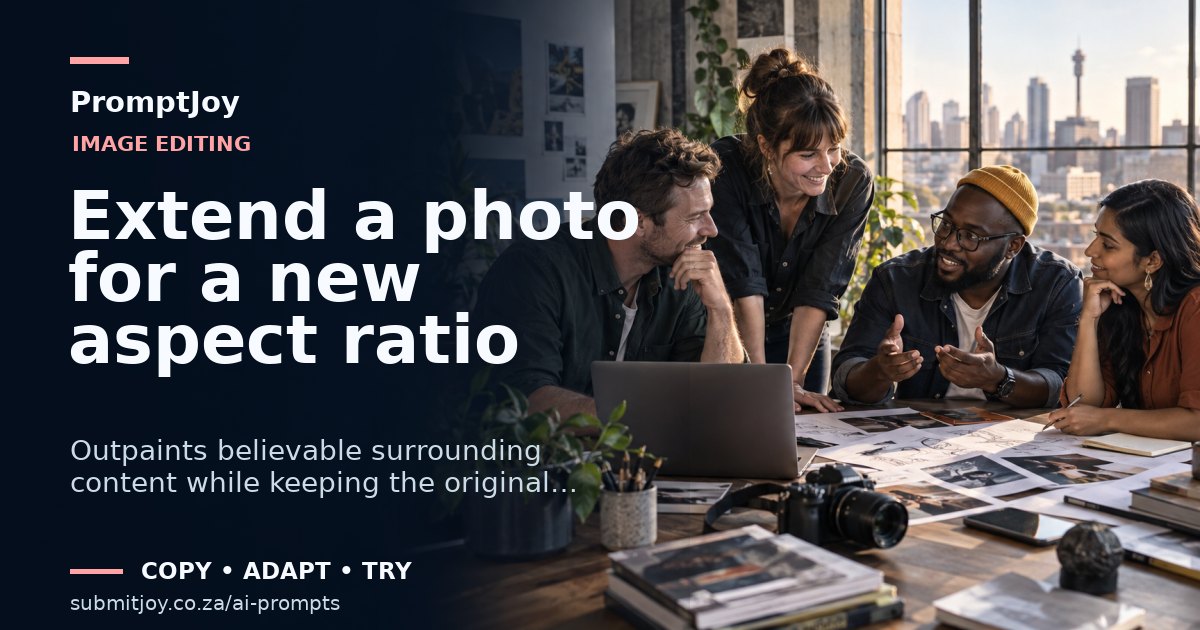
Outpaints believable surrounding content while keeping the original image untouched and correctly positioned.
Ready to use
Prompt
Extend the supplied image from [CURRENT ASPECT RATIO] to [TARGET ASPECT RATIO] for [PLACEMENT].

Keep every original pixel inside the source image unchanged. Position the source at [ANCHOR POSITION] and generate only the missing canvas around it. Continue the existing perspective, horizon, depth of field, lighting, texture, noise and environmental patterns naturally. Preserve the subject’s scale and do not stretch, crop, mirror or regenerate it.

Create clean negative space on [SIDE] for [COPY OR UI], but do not add text. Avoid repeated texture tiles, duplicated people, broken architecture, inconsistent shadows or new attention-grabbing objects. Output at [PIXEL DIMENSIONS] and keep the important subject inside standard safe zones.