Image editingMixed-media revealsimage
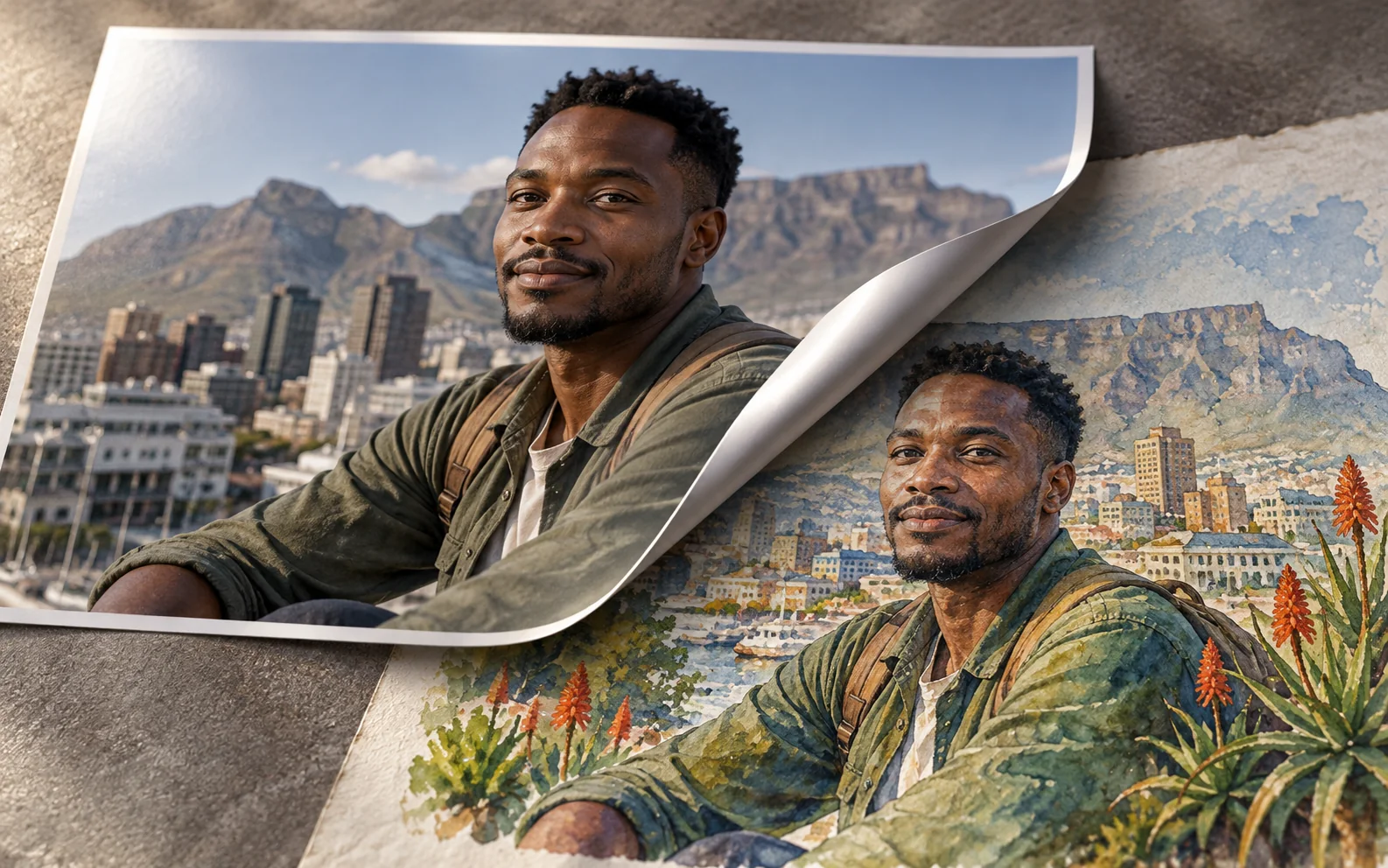
Peel the photograph back to reveal a painted world
Creates a tactile curl where the real photo surface lifts away to reveal an imaginative scene underneath.
Ready to use
Prompt
Edit my uploaded portrait so the photograph itself appears to peel upward from one corner like thick printed paper, revealing a [PAINTING STYLE] world underneath. Preserve the adult subject's identity, pose and expression in both the photographic and painted layers.

Top layer: original-looking photo paper with realistic thickness, semi-gloss surface, curled corner, crease tension and cast shadow.
Under layer: continue the same composition as [IMAGINATIVE WORLD], translating the subject's clothing and environment into the chosen painted medium while maintaining exact alignment at the peel boundary.
Transition: the curved paper edge crosses [LOCATION IN FRAME], exposing roughly [PERCENTAGE] of the painted layer. Pigment texture is visible only below the paper.
Lighting: one soft studio light reveals the curl and material difference; both layers share coherent shadow direction.
Camera: overhead or slight oblique product-photography angle, full artwork visible.

Do not create a digital diagonal split, glowing portal, duplicate subject, random brush filter or impossible paper curl. No text, tape, hands holding the print or watermark unless requested.